

WordPress plugin
noticeH – Notice Board & Announcements
Publish exam schedules, closures, circulars and announcements on any WordPress site. Pin what matters, mark what’s urgent, attach the PDF, and let old notices expire on their own.
Free · GPLv2 or later · Built for schools, offices and communities
What noticeH does
Everything a notice board needs, in one plugin that works with any theme or page builder and loads nothing from outside your site.

Six layouts
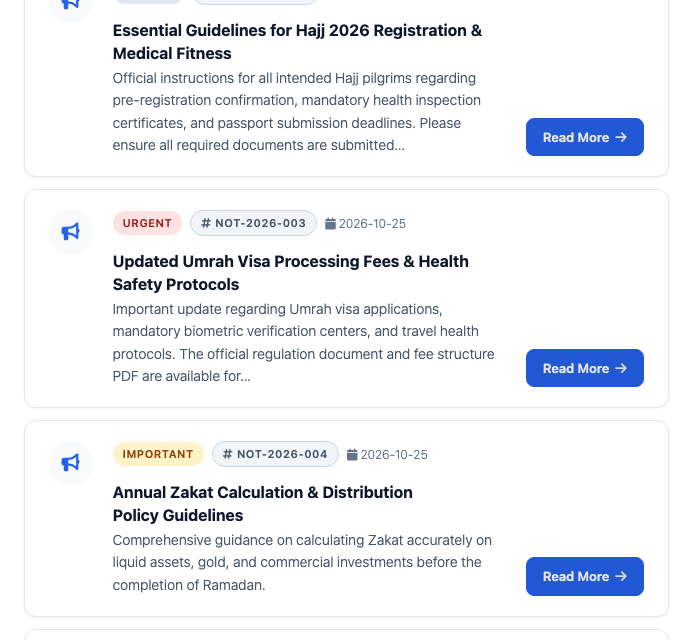
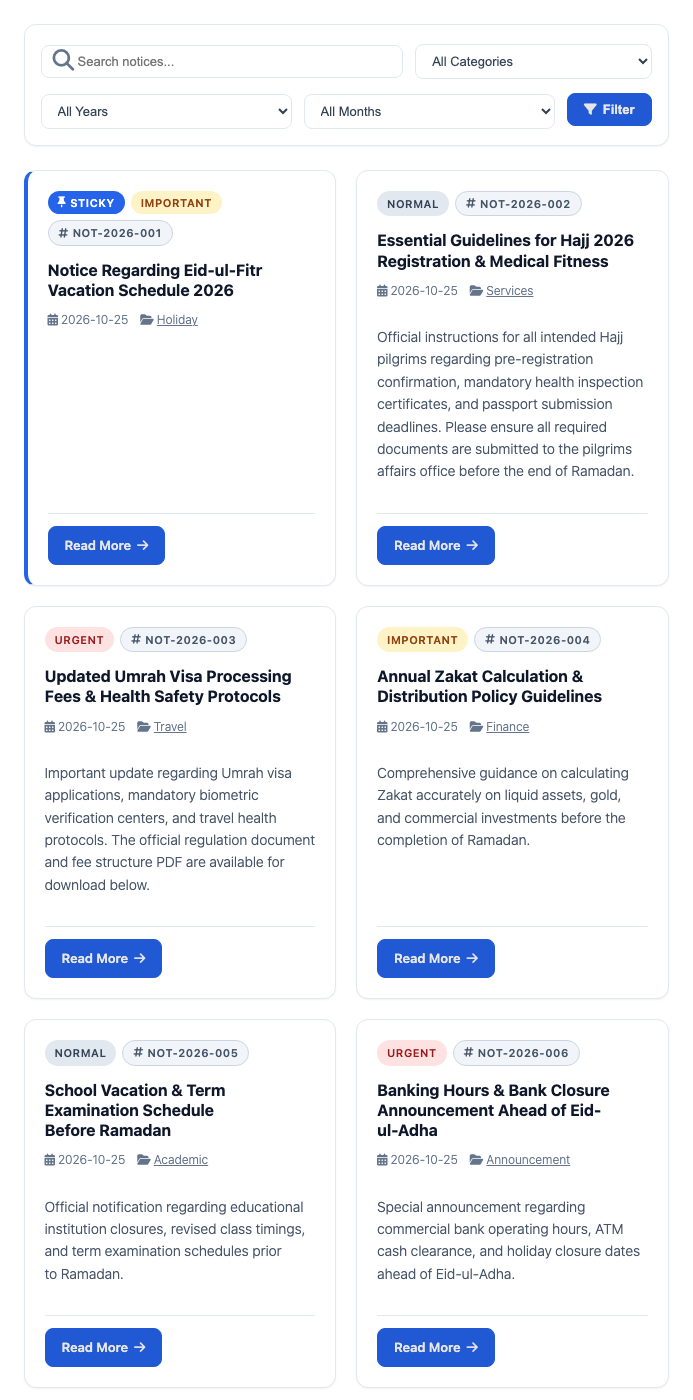
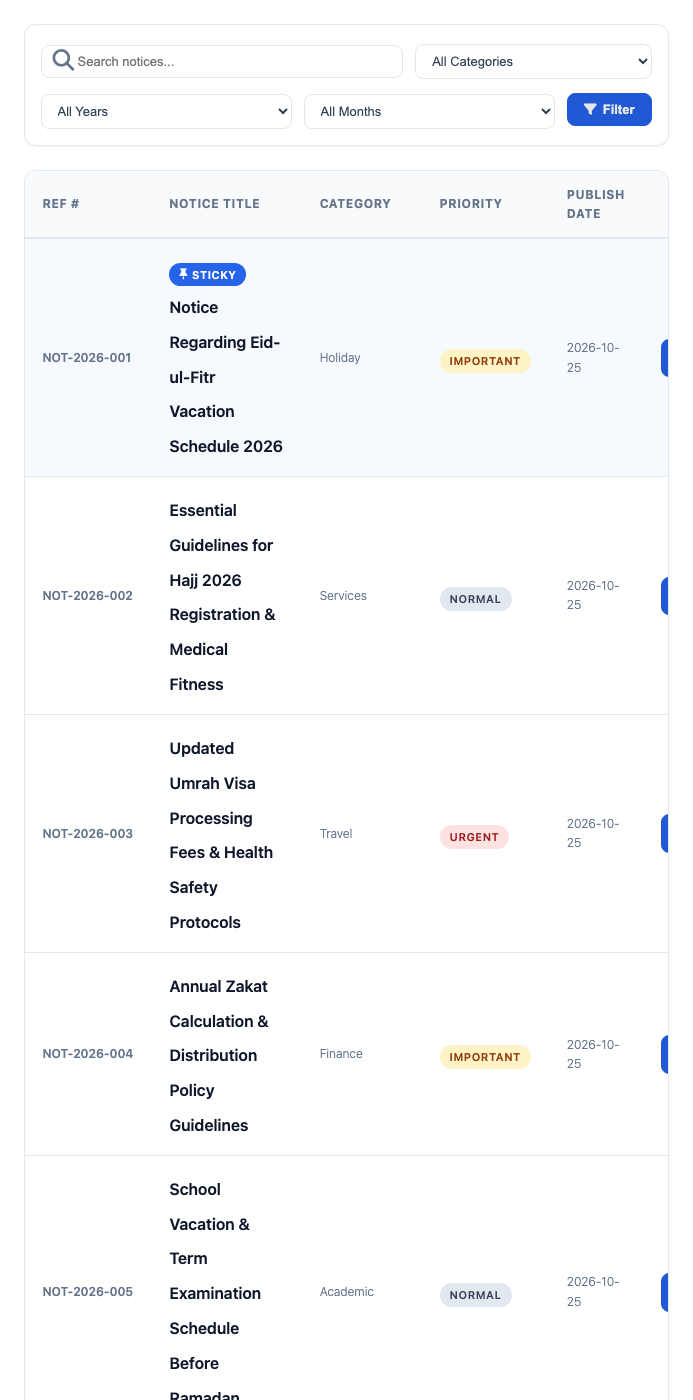
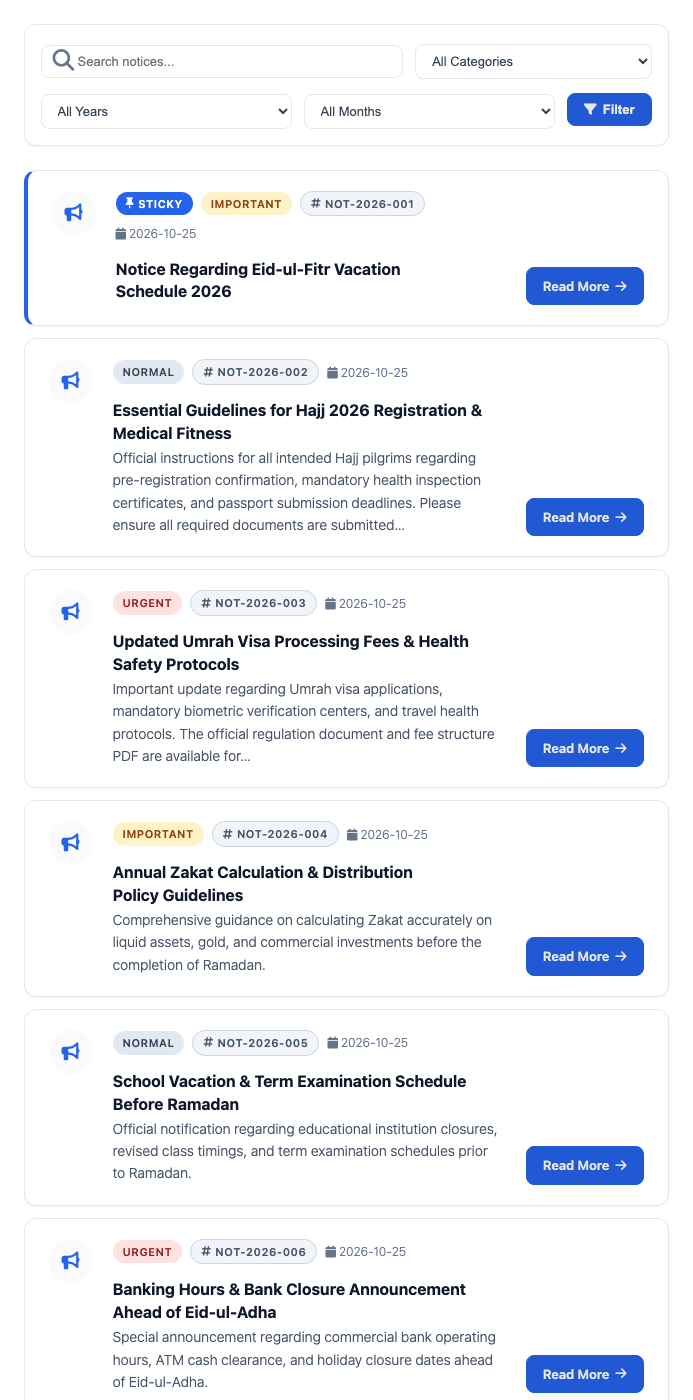
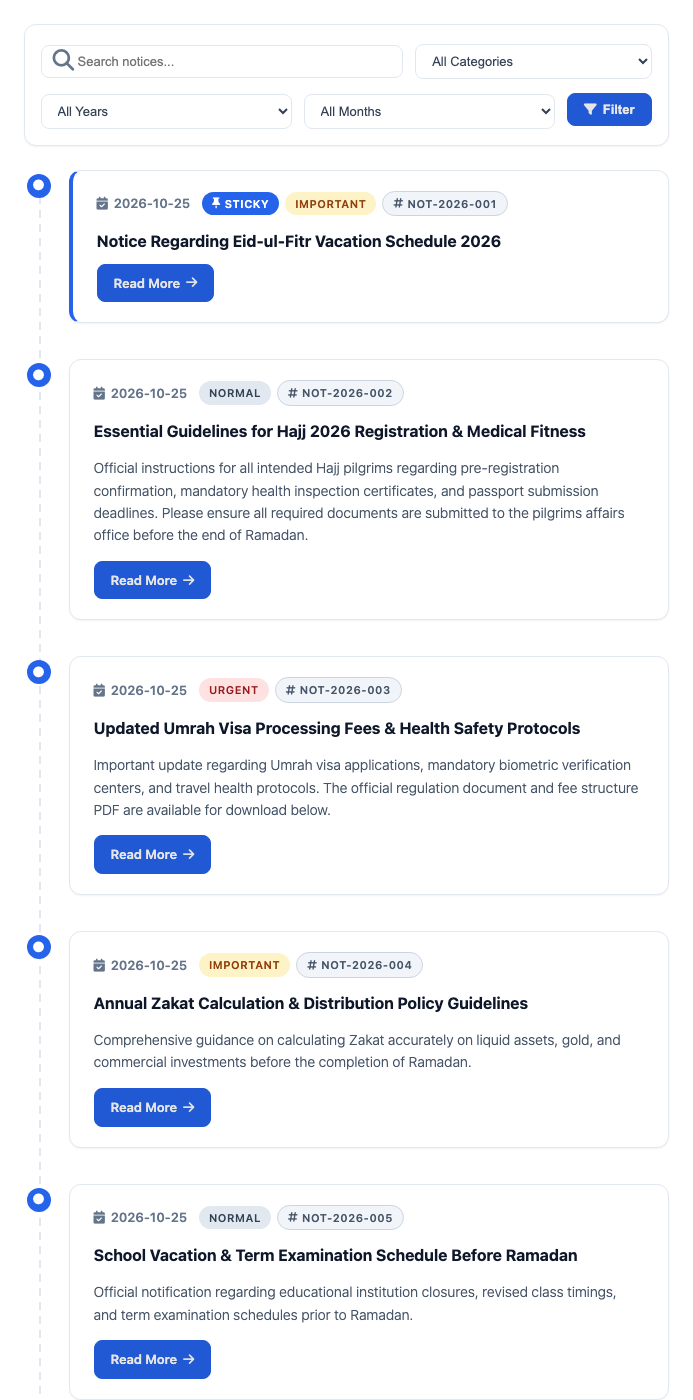
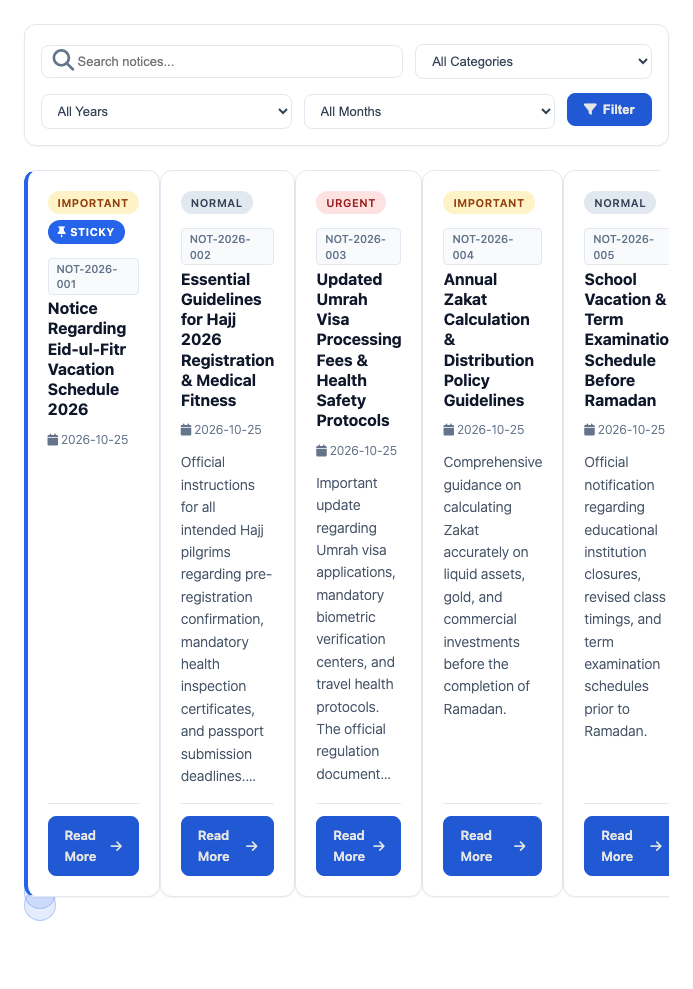
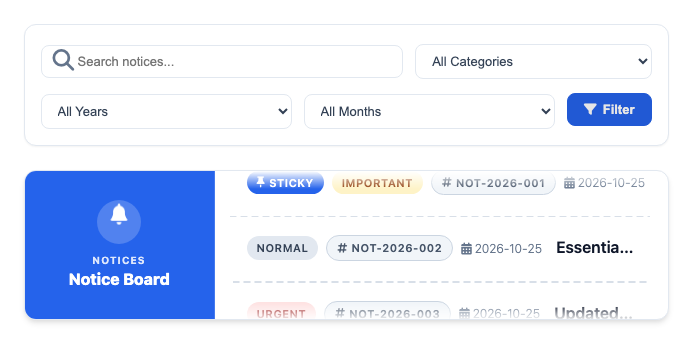
Card grid, table, list, timeline, slider and a cubed ticker banner. Visitors can switch layouts themselves if you allow it.

Pinned and priority notices
Pin important notices to the top with a highlighted border, and mark each one Normal, Important or Urgent with its own colour badge.

Reference numbers
Official notices get numbers like NOT-2026-001 automatically, with your own prefix and suffix, or you type your own.

Expiry dates
Give a notice an end date. When it passes, noticeH keeps it with an Expired badge, hides it, or moves it to the trash, as you choose.

Attachments and links
Attach PDFs and other files from the Media Library, or link to a file on Google Drive or any other cloud storage.

Share and print
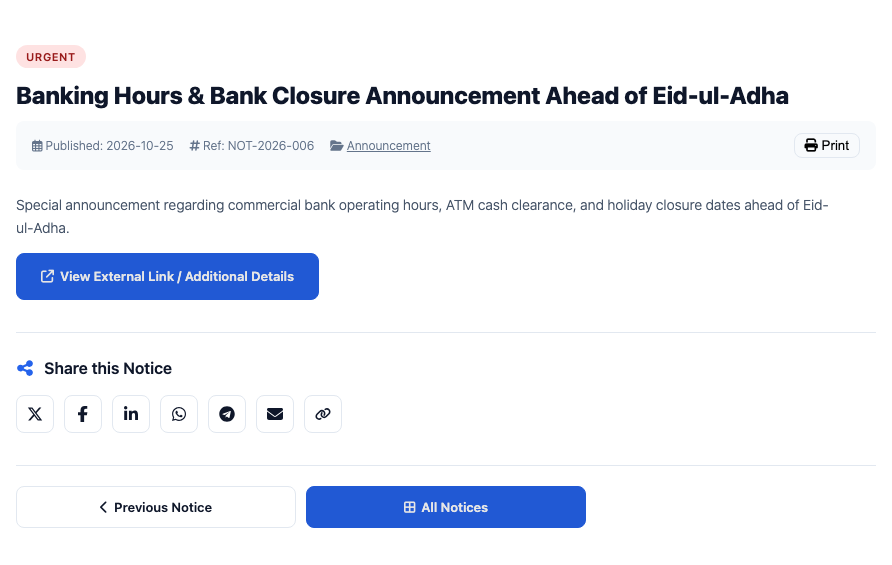
Each notice page has share buttons for X, Facebook, LinkedIn, WhatsApp, Telegram and email, a copy-link button and a print view.

Block and shortcode
Add a board with the noticeH block or [noticeh_board]. It works in the block editor, Elementor, Divi, Beaver Builder and classic themes.

CSV import and export
Move notices in and out with a spreadsheet, including priority, expiry date, reference number, badges, categories and tags.

Private by design
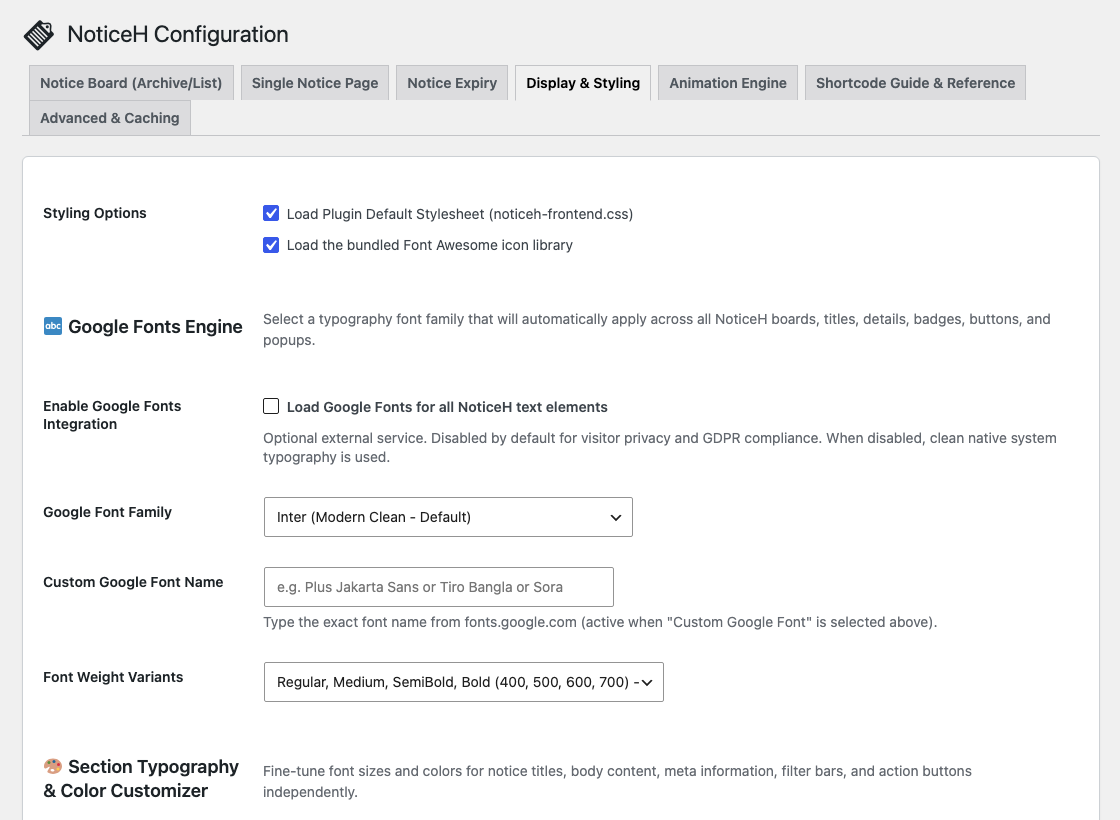
Icons and scripts are bundled with the plugin, so visitors never connect to an outside server. Google Fonts stay off unless you turn them on.
Six layouts, one board
Real screenshots from a test site. Select one to open it full size.
Set up in three steps
1
Install and activate
Install noticeH from Plugins → Add New once it is listed, then activate it. A noticeH menu appears in your admin.
2
Add your notices
Write a notice like a post, then set its priority, pin it, give it an expiry date, a reference number or attachments.
3
Place the board
Add the noticeH block or [noticeh_board] to any page. Pick a layout with [noticeh_board layout="ticker" posts_per_page="5"].
Requirements
| WordPress | 6.8 or later (tested on 6.8 and 7.1) |
| PHP | 8.2 or later (tested on 8.2 and 8.4) |
| Themes and builders | Any theme, block or classic. Works anywhere a block or shortcode does, including Elementor, Divi and Beaver Builder. |
| Privacy | All icons and scripts load from your own site. Google Fonts are optional and off by default. |
| Developers | REST API at /wp-json/noticeh/v1/notices, an RSS feed at /feed/noticeh/, and theme-overridable templates. |
| License | GPLv2 or later |
Frequently asked questions
Is noticeH free?
Yes, completely. noticeH is free and open source under GPLv2 or later. There is no paid version, no account to create and no feature locked behind a payment.
How do I show the notice board on a page?
Add the noticeH Board block, or the shortcode [noticeh_board], to any page or post. Add layout="table", "list", "timeline", "slider" or "ticker" to change the layout.
Can I change the colours?
Yes. noticeH → Settings → Display & Styling has colour pickers for titles, text, badges, buttons and backgrounds, plus a box for your own CSS.
What happens when a notice expires?
You choose in the settings: keep it on the board with an Expired badge, hide it from visitors, or move it to the trash automatically once a day.
Can I protect a notice with a password?
Yes, with WordPress’s normal password protection. Visitors see only the title until they enter the password, and the REST API never returns the protected content.
Does noticeH load anything from other websites?
No. Font Awesome, Swiper and AOS are bundled with the plugin. The only exception is Google Fonts, which you have to turn on yourself in the settings.
Can my theme change how notices look?
Yes. Copy single-notice.php or archive-notice.php into a noticeh folder in your theme and edit it there. Your copy is used instead of the plugin’s.
Download & support
noticeH is being prepared for the WordPress.org plugin directory. Once it is listed, you can install it from Plugins → Add New in your WordPress admin by searching for “noticeH”, and get help on its WordPress.org support forum.