

WordPress plugin
slugH – Bulk Slug Editor & Redirects
Turn long, unreadable Unicode URLs into short, meaningful English slugs that are easy to share and good for SEO. slugH finds them across your site, lets you rename them in bulk, previews every change and redirects the old URLs so no link breaks.
Free · GPLv2 or later · Works without any other plugin
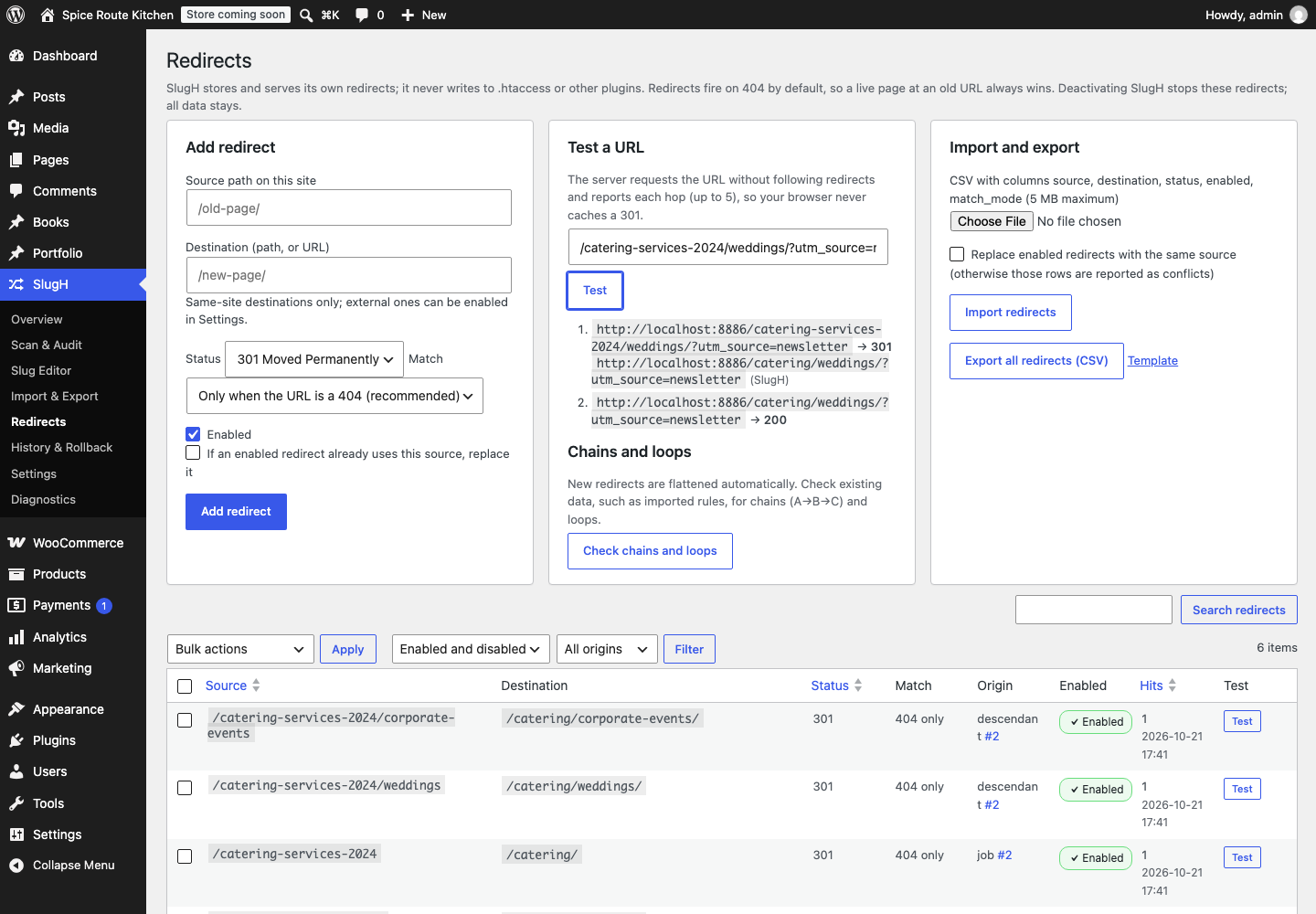
/How_To_Make--Chicken-Biryani//chicken-biryani/301/ঢাকার-সেরা-স্ট্রিট-ফ//%E0%A6%A2%E0%A6%BE… 158 characters as a link/dhaka-street-food/301/كيف-تتجنب-إضاعة-الوقت//%D9%83%D9%8A%D9%81… 113 characters as a link/how-to-avoid-wasting-time/301/catering-2024/weddings//catering/weddings/301Copied or shared, Bangla and Arabic slugs turn into long strings of % codes, as shown under each one. Their English replacements are 19 and 27 characters. Old URLs, including child pages of a renamed parent, redirect to the new ones in a single hop.
What slugH does
Replace long Bangla, Arabic, Urdu, Hindi and other non-Latin slugs with short English ones across a whole site, without breaking a single link. You choose each new slug; slugH finds the ones to fix and does the rest safely.

Find problem slugs
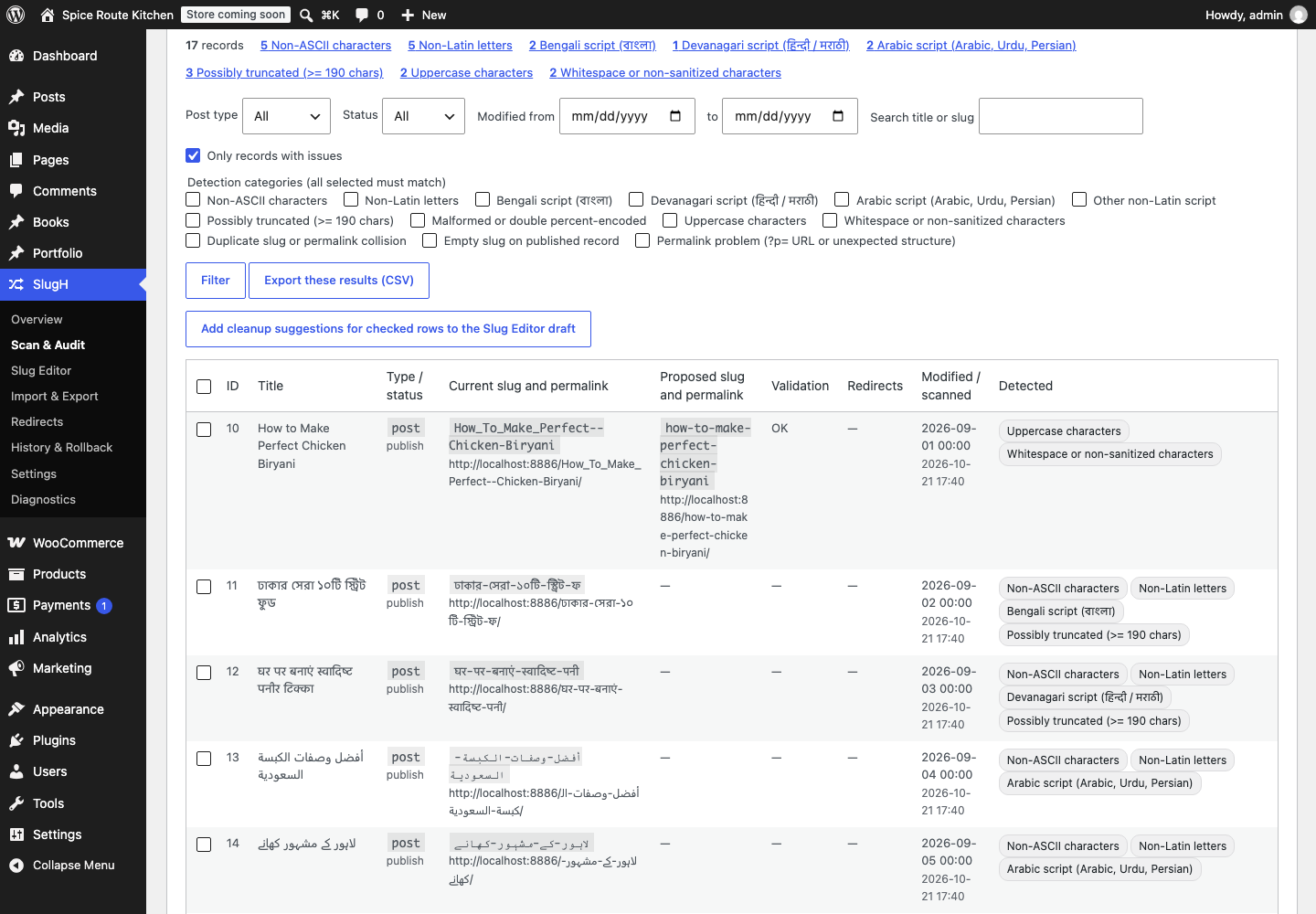
Scan your posts, pages and custom post types. slugH flags non-Latin scripts, slugs WordPress cut short, broken or double encoding, uppercase letters, duplicates and permalink problems. Correctly encoded Unicode slugs are never reported as broken.

Edit in bulk, safely
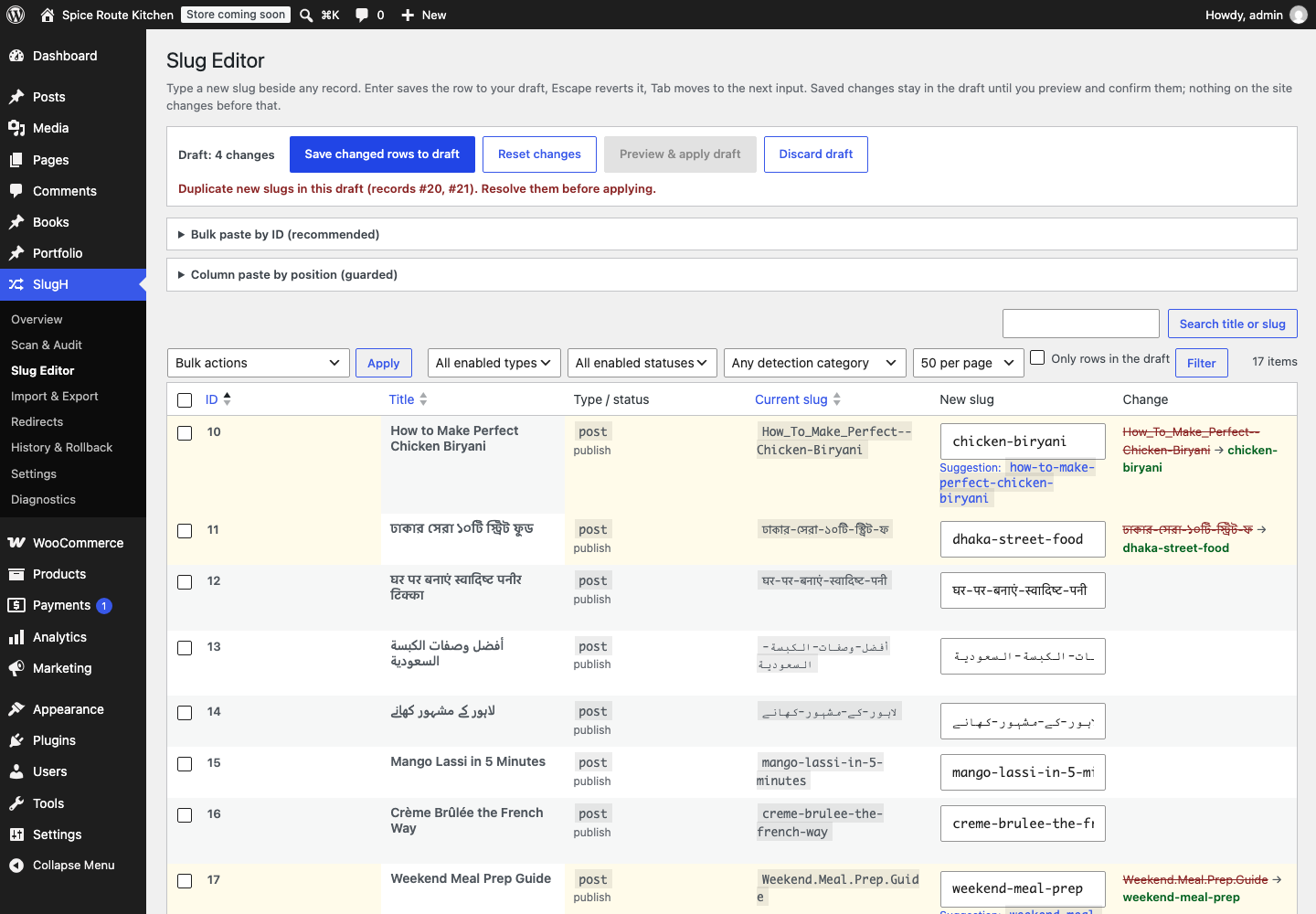
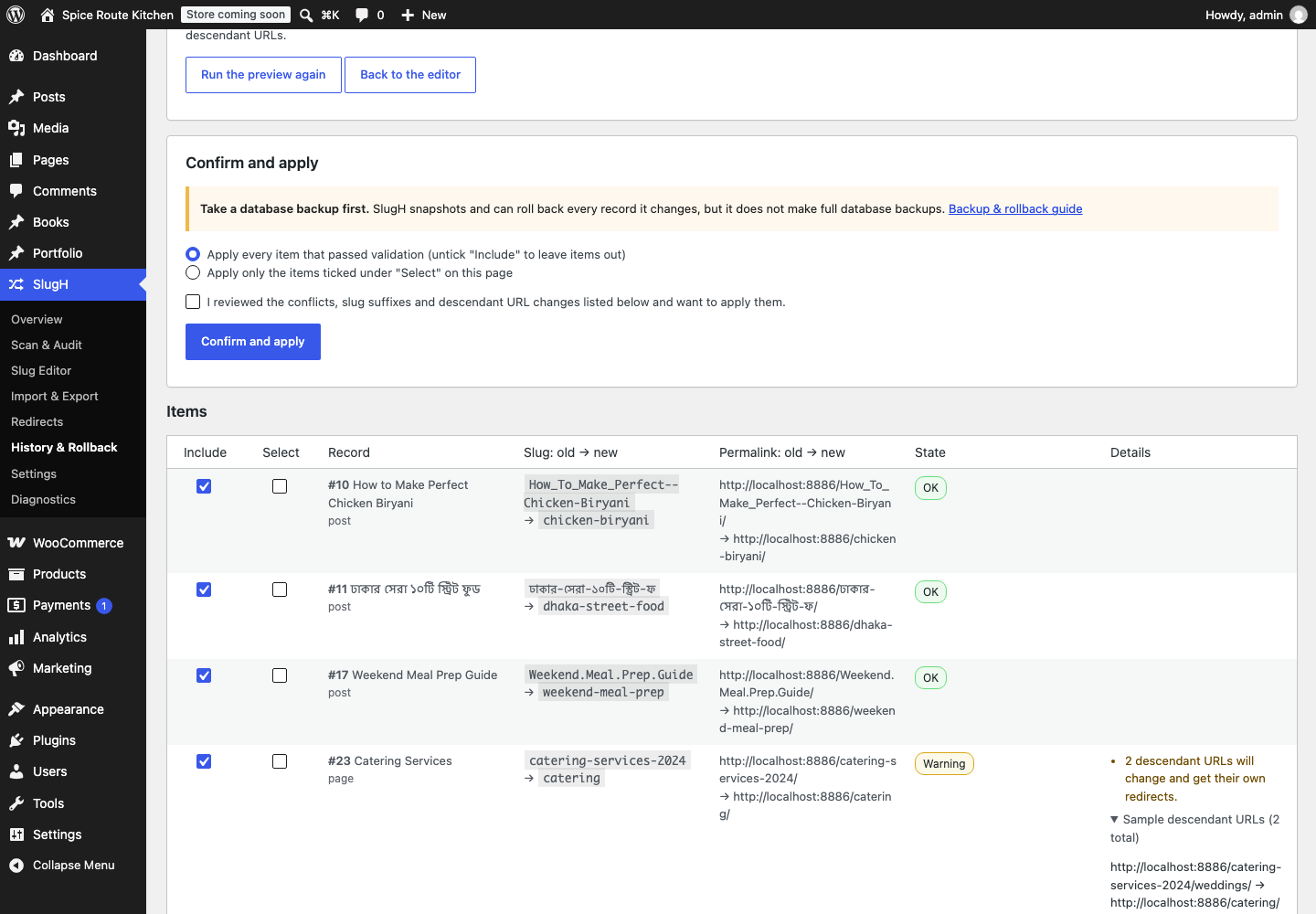
Edit slugs inline, paste ID,new-slug lines from a spreadsheet, or import a CSV file. Every change goes into a draft and through a preview before anything is saved.

Redirects you control
slugH stores and serves its own 301 redirects. Chains are flattened, loops are refused, and redirects fire only when a URL would otherwise be a 404, so a live page is never hidden.

Roll back any job
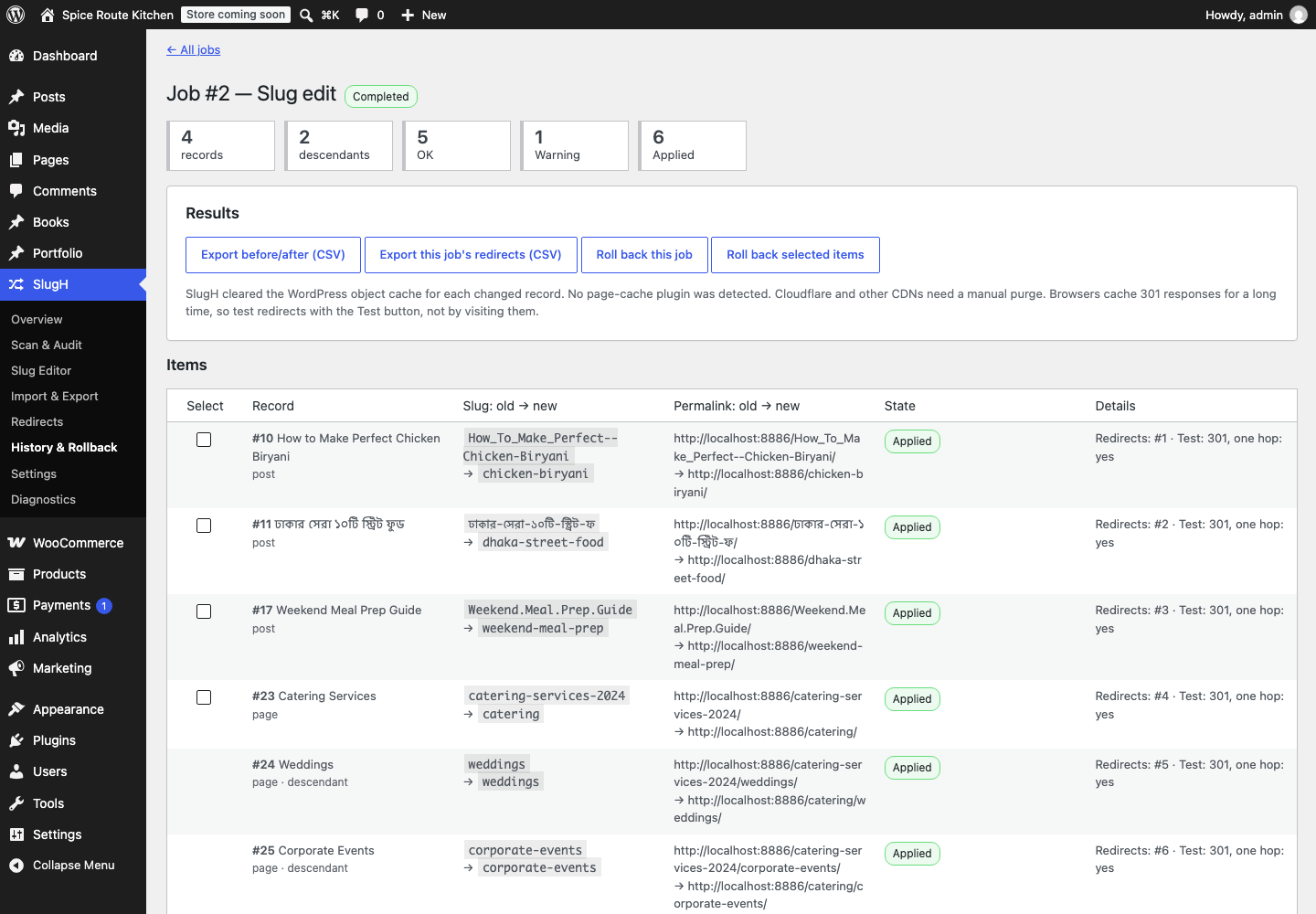
Every change runs as a job with a snapshot. Roll back a whole job or selected items. The old slugs return, and the abandoned URLs redirect back.

Only the slug changes
Content, categories, custom fields, dates and the last-modified date stay exactly as they were. slugH checks this before and after every update and pauses if anything else changed.

WooCommerce products
Product slugs use the same engine when WooCommerce is active. SKUs, prices, stock, variations and categories are checked and never changed.
Screenshots
Select a screenshot to open it full size.
Requirements
| WordPress | 6.4 or later (tested up to 7.1) |
| PHP | 7.4 or later (tested on 7.4 and 8.3) |
| WooCommerce | Optional. Product support tested with 11.2 |
| Permalinks | Any “pretty” permalink structure. With plain permalinks, slugs don’t appear in URLs, so no redirects are needed. |
| Site type | Single sites. Multisite network activation is not supported in version 1. |
| Privacy | Adds nothing to your site’s front end, sets no cookies and contacts no outside servers. The redirect test tool only requests pages on your own site. |
| License | GPLv2 or later |
Frequently asked questions
Is slugH free?
Yes, completely. slugH is free and open source under GPLv2 or later. There is no paid version, no account to create and no feature locked behind a payment.
Do I need Yoast SEO, Rank Math or Redirection?
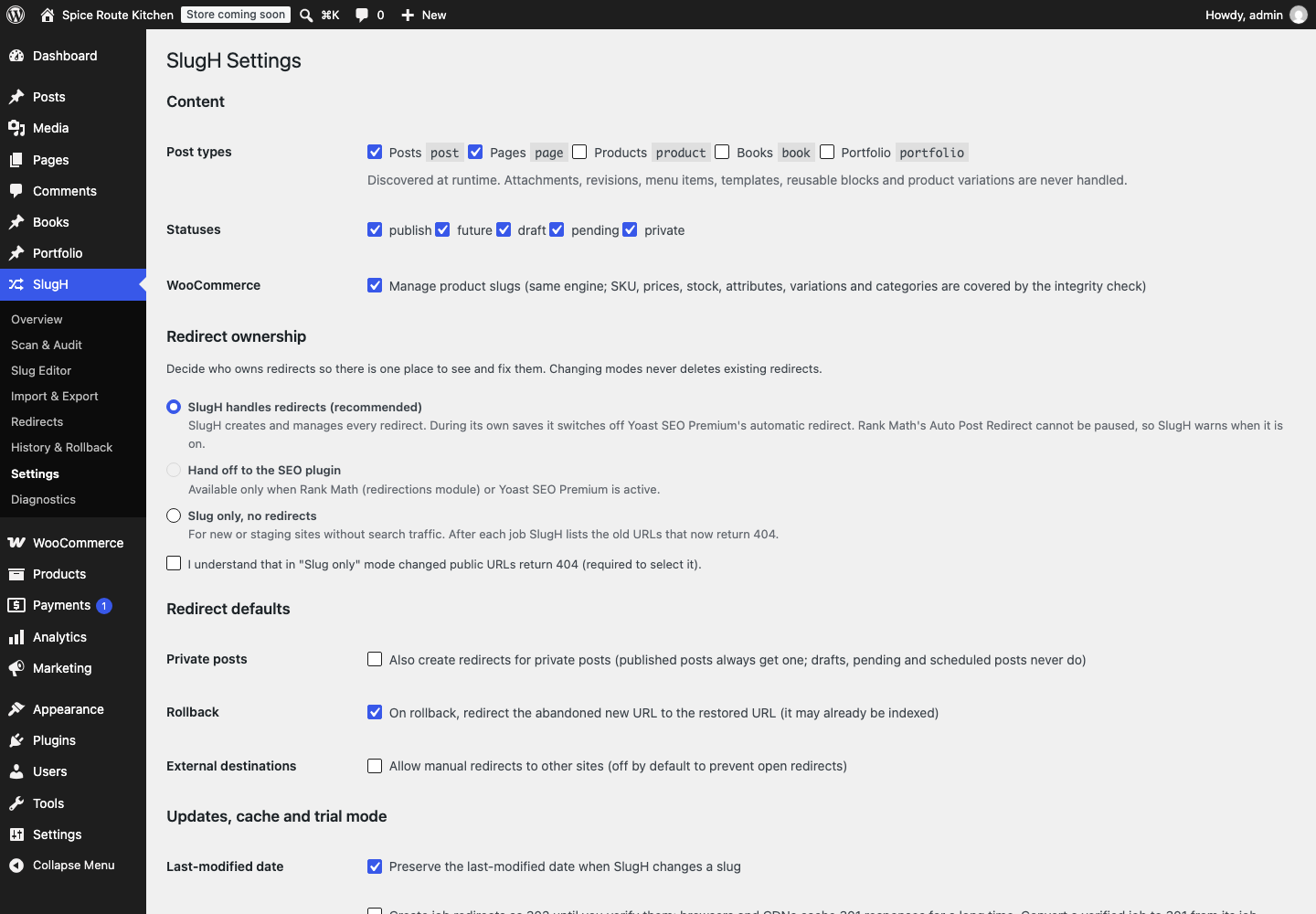
No. slugH stores and serves its own redirects. If another plugin also creates redirects, you choose in slugH’s settings who owns them, and slugH’s Diagnostics screen lists the redirect handlers it finds.
Is the slug really changed, or is it only a redirect?
Both. The new slug is saved on the post through WordPress’s normal update, so the new URL serves the page directly. A 301 redirect is added from the old URL so existing links and search results still arrive.
What happens to links inside my posts?
slugH never edits post content. Links inside your posts keep pointing at the old URL and reach the new page through one 301 redirect.
Can I undo a change?
Yes. Open the job in History & Rollback and roll back the whole job or selected items. The original slugs return and the abandoned URLs redirect back. Records edited after the job are skipped, so later work is never overwritten.
What happens if I deactivate slugH?
Its redirects stop, and all its data stays. The new slugs remain in place. Uninstalling removes slugH’s capabilities and keeps its tables unless you turn on “Delete all data on uninstall”.
Should I back up first?
Yes, before large jobs. slugH snapshots and can roll back every change it makes, but it does not make full database backups.
Download & support
slugH is being prepared for the WordPress.org plugin directory. Once it is listed, you can install it from Plugins → Add New in your WordPress admin by searching for “slugH”, and get help on its WordPress.org support forum.